Prop Firm Platform Migration: Data, Risk & Cutover Checklist

A prop firm platform migration moves more than logins and balances. It changes the systems that create accounts, calculate rule limits, display progress and support reward decisions. A successful move leaves the team able to explain each account’s state before and after the switch.
Start with three decisions: which accounts will move, which records must remain available, and who can stop the cutover. Then test those decisions against a representative account cohort before changing the default for new purchases. This checklist covers both a trading-platform change and a wider CRM or technology-provider migration; your export rights and the destination’s supported import fields determine the actual scope.
Decide what is moving before selecting a date
Write down the operational problem: unavailable licensing, a missing workflow, an integration limit, support needs or the cost of the current setup. Separate the trading terminal from the software platform, CRM and trader dashboard, risk service, payment provider and public website. They do not all need to move together.
For example, replacing a trading terminal while retaining the CRM is a different project from replacing the CRM, checkout and terminal at once. The first needs a verified platform adapter and account mapping. The second also needs order, customer, affiliate, support and payment-reference reconciliation.
For each system, record its owner, access method, export format, dependencies and planned destination. Confirm that the current and new providers permit the proposed use. A technical connection does not establish licensing eligibility or transfer third-party contracts.
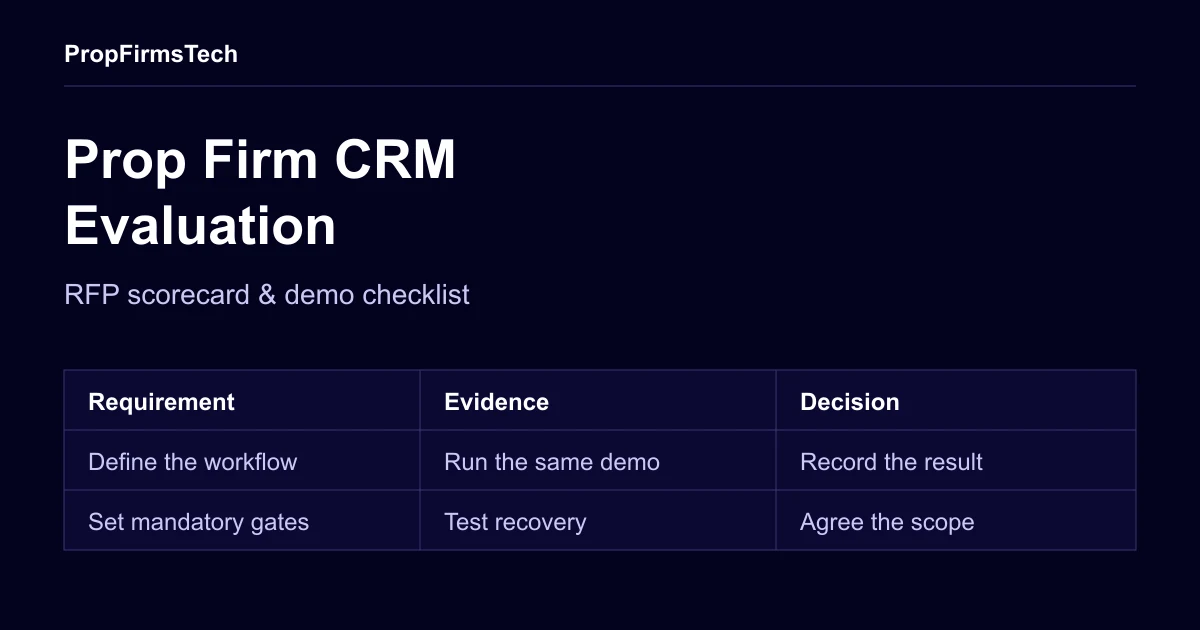
If you are selecting a new CRM, use the CRM evaluation scorecard to compare mandatory requirements, reproducible demo cases and export evidence before agreeing the migration scope.
Choose an account strategy for each cohort
Do not treat a new evaluation, an active funded-stage account and an account with a pending reward request as interchangeable. The appropriate approach depends on the programme, the accounts’ current state and the services you can keep available.
| Strategy | When it can fit | What must be agreed |
|---|---|---|
| Keep an existing cohort on the old platform | The old service remains available and the commercial terms allow a transition period | Ongoing fees, support ownership, reporting across both systems and the condition for closing the old service |
| Move a cohort with agreed state transfer | Both sides support the required fields and the reconciliation is accepted | Per-account values, rule interpretation, trading interruption, open-position treatment and a dispute record |
| Close or reset accounts under an agreed transition policy | Required state cannot be transferred or the old service is ending | What the trader receives, any adjustments, notification and authorisation before the change |
Keeping two platforms can reduce the number of accounts moved at once, but it adds operating and reporting work. It is an option to cost and test, rather than a promise that the transition will be simpler. Do not reopen positions or reset challenge progress as an undocumented workaround.
Build the migration inventory
Use one row per account, with a stable internal reference that links the trader, order, programme and platform account. Keep a dated source snapshot and the reconciliation result. Limit access to personal records to the people doing the transfer.
The following inventory is a starting point. Mark each field transfer, archive, recompute from an agreed rule, or not available. An unavailable field is a decision to resolve before cutover.
| Record group | Check before the move | Acceptance evidence |
|---|---|---|
| Identity and access | Trader reference, account owner, account mapping, login invitation and verification status | The correct trader can access only their intended accounts; any new identity review is explained |
| Programme and phase | Programme version, phase, target, trading-day count, status and any approved exception | Old and new records agree, or an authorised difference is recorded |
| Financial and risk state | Currency, starting balance, current balance, equity snapshot, high-water mark, daily reference and applicable limits | Per-account comparison uses agreed timestamps, units, precision and rule definitions |
| Trading activity | Open positions, pending orders, trade history, commissions and swaps | Positions/orders have an approved treatment; historical records remain retrievable where agreed |
| Orders and requests | Paid orders, refunds, disputes, reward requests, approvals and provider transaction references | The team can distinguish an order from an account, and an approval from a completed transfer |
| Operations | Affiliate attribution, support cases, notes, agreements and communication preferences | Required records have an owner and an agreed destination or archive |
Account identifiers and numeric fields need a mapping, not just matching column names. For example, cTrader’s Open API model documentation describes server-specific identifiers and monetary precision fields. Preserve their meaning when translating values into your own records. This does not imply that cTrader Open API provides every administrative field a migration requires.
A history export also needs a scope. TradeLocker’s orders-history reference covers orders with a final status and supports time filters. Do not assume that one export represents open positions, pending orders, all executions and a complete customer ledger.
Download a migration reconciliation template
Download the migration reconciliation template (CSV) to record the source and destination beside each stable account ID. It is an editable planning resource, not an official PropFirmsTech export format or a statement that a provider can transfer every field.
The file contains one batch-control row and four fully synthetic account examples. They illustrate a matching record, a balance difference, a state difference and a missing destination record. None contains customer data or evidence of an actual migration. Replace the examples before using the file for your own project.
Use it as follows:
- Preserve the meaning of each field. Import identifiers as text. Set the currency, amount unit, rule versions and UTC effective cut-off for both snapshots. The example uses USD major currency units with two decimal places; adapt that definition to the actual provider. An export’s download time is not necessarily its effective cut-off.
- Compare account rows before accepting a batch. Join source and destination by the agreed stable ID, check for duplicate or missing IDs, then compare state, counts, rule interpretation and monetary values. Record approved mappings where two systems use different state labels or rule versions. A matching balance alone is insufficient.
- Keep the batch row as a control. Sum only account rows within the same currency, units and cohort. Do not add the control row to those totals. The examples have four source accounts and three destination accounts, with source balances of USD 35,000.00 and destination balances of USD 30,900.00. The USD 4,100.00 difference includes a USD 100.00 mismatch and an absent USD 4,000.00 account. Matching counts would not resolve the separate state discrepancy.
- Leave unresolved results open. A blank destination balance is unknown, not zero. The status labels are illustrative and are not calculated. Assign an exception owner, retain the supporting snapshot/test references and record the authorised resolution before accepting a difference. The acceptance-evidence column starts blank; a sample status is not sign-off.
Agree precision, any permitted tolerance and the treatment of rounding before comparing real records. Retain failures and accepted exceptions alongside passing cases. This template helps document the decision; it does not guarantee a loss-free transfer or replace the cutover and rollback runbook.
Test the rules with agreed examples
Write expected outcomes before running the new system. Include the programme version and the exact inputs used. Your risk-management configuration should describe how each limit is calculated; a dashboard total alone cannot show whether the rule is equivalent.
At minimum, include:
- An account just below, exactly at and just beyond each relevant threshold. Record whether equality triggers an action.
- A daily reset boundary, including the configured timezone and any daylight-saving change that applies.
- Open profit or loss, commission and swap entries. Specify which values enter the rule and when.
- A trailing or high-water-mark limit, if used, including what happens after a withdrawal or account adjustment.
- Phase completion, a failed account, a pending reward request and an account with an approved exception.
- A delayed or missing platform update. Agree whether the system waits, alerts staff or takes another defined action.
Compare decisions in a test or approved shadow environment before enabling automated actions. Investigate differences with the source snapshot and calculation inputs. An old/new disagreement may be a mapping error, a changed rule or a defect in either system; record the reason rather than automatically treating the old result as correct.
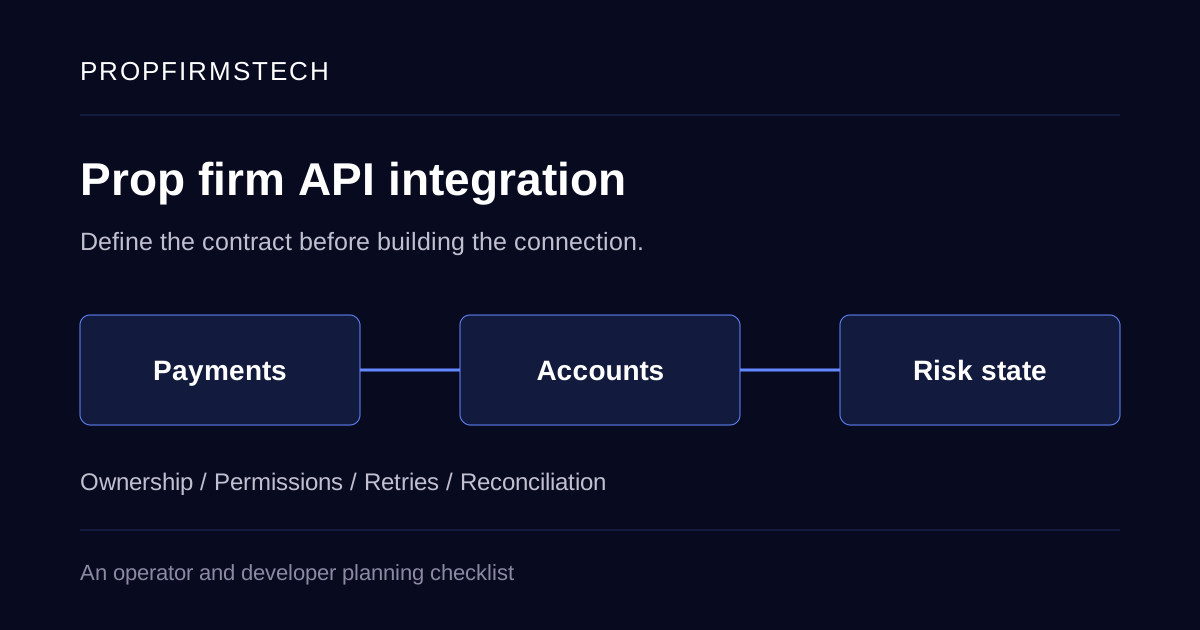
The companion API integration checklist covers event delivery, retries and reconciliation when custom connections form part of the move.
Use acceptance gates instead of an assumed six-week schedule
A migration date depends on access, provider availability, data quality, testing and the account cohorts. Use gates the team can verify, with one named owner for each.
- Scope accepted. The account cohorts, systems, transfer fields, archives, open-position policy and commercial dependencies are written down.
- Trial import reconciled. Representative test accounts match the approved source snapshot. Missing fields and adjustments are resolved.
- Lifecycle tested. Test checkout confirmation, account creation, login, phase change, breach handling and reward-review states using the supported test tools. Avoid using real customer payments or rewards as test fixtures.
- Support ready. Staff can find an account in both systems, explain its limits and retrieve its previous records. Trader instructions and escalation contacts are prepared.
- Cutover authorised. The team has approved the freeze window, last export, final reconciliation, monitoring and rollback boundary.
- Cohort reviewed. Start with the agreed cohort. Confirm its operating results before widening the change or retiring the old service.
A gate is complete when its evidence is accepted, not when its calendar week ends. Keep the failed cases as well as the passing results so an unresolved exception cannot disappear in a summary.
Write the cutover and rollback runbook
The runbook should fit the actual sequence, with an owner, a start condition and a verification step for every action. Include any pause in purchases, provisioning, trading or reward processing. Capture the final source snapshot only after the agreed freeze has taken effect.
Define rollback before the switch:
- What failure stops the next cohort or requires reversing a step?
- Who has authority to make that call, and which provider must be reachable?
- Can the old platform still accept activity, and until when?
- How will trades, orders or requests created after cutover be reconciled before any return?
- Which actions are irreversible, or require provider approval to reverse?
Switching a login URL back does not undo activity that already happened in the new system. A useful rollback plan accounts for those new records and prevents both systems from creating or acting on the same request.
Tell traders what will happen to their account
Send account-specific instructions before any required action. Explain the date and timezone, any interruption, where the trader will sign in, which history remains visible, what happens to open activity, and whether any rule or programme term changes. Separate a rule change from the technical move so the difference is clear.
Use values from the accepted account snapshot where you communicate balances or limits. Give traders a support route to challenge a discrepancy and make sure staff can retrieve the same snapshot. Keep the old instructions and notification record available during the transition. The brand-trust guide covers the wider communication context.
Keep public-site changes as a separate workstream
Changing a trading platform does not necessarily require moving public content URLs. If the website or help centre does move, make an old-to-new URL inventory, preserve relevant destinations, update internal links and canonicals, and test actual HTTP redirects. Google’s site-move guidance recommends server-side permanent redirects where possible. Track public search performance separately from trader-account reconciliation.
Choose the destination against your migration requirements
Compare a shortlist using the same account samples and acceptance criteria. The platform comparison and cTrader, Match-Trader and TradeLocker guide introduce the options. Confirm the specific integration, permitted use, history access and support arrangement with each provider.
Bring your account inventory, programme rules, systems diagram and unresolved transfer fields to the discussion. Ask which steps are included, which depend on another provider, and which require custom work. Request evidence against your own cases before accepting a claim of a seamless or complete migration.
Planning a move? Book a PropFirmsTech demo to discuss the destination platform, CRM, risk rules and migration scope together. An agreed implementation plan should identify the transferable state, responsibilities and acceptance evidence for your firm.