Prop Firm CRM Evaluation: RFP Scorecard & Demo Checklist
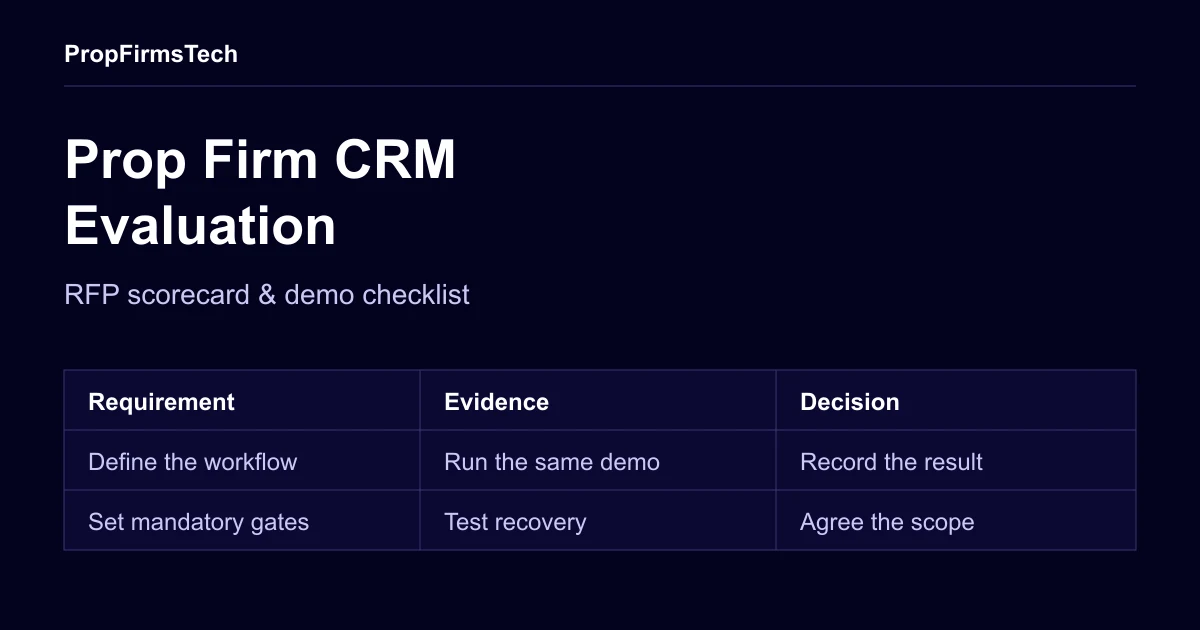
Evaluate a prop firm CRM by testing the same account workflows against the same written requirements for every supplier. Start with mandatory acceptance gates, then score the options that pass. Keep the evidence, implementation scope and whole-life costs beside the score so a polished demonstration cannot conceal an unresolved requirement.
This guide provides an editable request for proposal (RFP) scorecard for prop firm operators. The weights and test scenarios below are our proposed planning template, not an industry certification or a ranking of vendors. Adjust them to your programmes, team and connected providers before inviting proposals.
The CRM and trader dashboard sit within a wider prop firm software stack. An evaluation should cover the handovers between those systems as well as the screens staff use each day.
Write the operating brief before the RFP
Describe the operation a supplier must support. Include your programme types and rule versions, trading platforms, payment channels, staff roles, languages, existing records and expected usage. Separate current requirements from possible future expansion.
Ask each supplier to label every response available in the proposed scope, configuration required, custom development, third-party dependency, or unavailable. Request an evidence reference and a commercial line item where work is required. A feature on a roadmap is a dependency to assess, not a completed capability.
Use one requirements register with these columns:
- Requirement ID and the operator task it supports.
- Mandatory gate or weighted preference.
- Expected result and the evidence required to accept it.
- Supplier response, included scope and external dependencies.
- Named reviewer, observed result, open question and resolution owner.
There is a useful procurement principle behind this approach: the UK government’s Sourcing Playbook recommends relevant objective criteria, deliberate weighting and consideration of whole-life cost. We apply that general evaluation principle here; its public-sector procurement rules are not requirements for a private prop firm’s purchase.
Set mandatory gates that a weighted total cannot override
Choose gates that are essential for your actual operation. State what passes before seeing the demonstrations. A failed gate stops selection until there is an accepted resolution; an unanswered question remains open.
| Gate | Evidence to request | Decision to record |
|---|---|---|
| Account and action permissions | Approved tests show trader, support, reviewer and administrator access; attempts outside each role are denied | Which objects/actions each role may access and how access is removed |
| Required programme behaviour | Agreed fixtures reproduce phase changes, rule boundaries, reset timing and approved exceptions | Which programme versions and calculations are supported |
| Reward approval and execution controls | A test request shows eligibility, review, approval, provider handover and failure handling as distinct steps | Who can approve, execute, correct and investigate a request |
| Required provider access | Documentation and authorised test access establish the necessary platform/payment operations | Any licence, account approval or third-party contract still needed |
| Data access and exit | A sample export preserves the required IDs, meanings, history and relationships | Export scope, access, format, fees and contractual exit arrangements |
For access control, test the underlying request as well as the interface. OWASP’s object-authorisation guidance calls for checking whether the caller may perform the requested action on the specific record. Hiding a button does not establish that protection. Use authorised test accounts belonging to different traders and, where relevant, different firms.
Use an editable weighted scorecard
The example below allocates 100 weight points. Change the weights before evaluation to reflect your business: a complex migration may need more emphasis on exports, while a new implementation may need more integration work. Apply the same version to all proposals.
| Evaluation area | Example weight | Demonstration or document | Reviewer |
|---|---|---|---|
| Trader and account lifecycle | 20 | Purchase, provisioning, login, phase transition and support lookup | Operations |
| Programme and risk-state accuracy | 20 | Versioned rules, boundary fixtures, delayed data and permitted corrections | Risk/operations |
| Reward operations | 15 | Review evidence, approvals, provider references and reconciliation exceptions | Finance/operations |
| Data portability and exit | 15 | Usable joined exports, historical access and exit scope | Data/engineering |
| Integration and recovery | 10 | Current contracts, duplicate delivery, unknown outcomes and recovery | Engineering |
| Staff and trader usability | 10 | Operators complete their actual tasks with the proposed roles | Support/operations |
| Support, delivery and whole-life cost | 10 | Written coverage, responsibilities, implementation plan and cost schedule | Commercial owner |
Use a defined 0–5 evidence scale. For this template: 0 means not evidenced or unavailable; 1 means a written assertion only; 2 means a partial demonstration with gaps; 3 means the agreed normal workflow passes; 4 adds the agreed failure/recovery cases; 5 means your reviewers can reproduce the required cases and accept the handover evidence. Record uncertainty separately, including whether a zero reflects absence or missing proof.
Calculate each contribution as weight × score ÷ 5; add the contributions for a total out of 100. For example, a score of 3 in a 20-point area contributes 12 points. This is illustrative arithmetic, not a predicted business outcome. Set any minimum acceptable area scores in advance and retain the gate results alongside the total.
Download the editable RFP scorecard
Download the prop firm CRM RFP scorecard (CSV) for the five mandatory gates and seven weighted areas above. The file separates gate decisions from scores, and provides columns for the source document/demo, proposed implementation, scope response, evidence, reviewer and resolution owner.
All supplier references and scores in the file are synthetic examples, not an assessment of PropFirmsTech or another vendor. It is a planning template, not a list of verified current product features. Duplicate the same requirements version for each real proposal, replace the examples and agree any minimum area scores before evaluation. A blank minimum means no threshold has been set; it does not mean that area has passed.
The seven example weights total 100. Their illustrative scores are 3, 4, 3, 4, 2, 4 and 3, giving contributions of 12, 16, 9, 12, 4, 8 and 6: 67 out of 100. The contribution cells are deliberately blank, with no formulas, so you can enter the calculation after reviewing the evidence. The file repeats the 0–5 score definition beside the weighted rows.
Every mandatory gate starts NOT_EVALUATED and the observed-evidence cells are blank. The illustrative total of 67 does not qualify any supplier for selection. Evaluate the gates independently: record PASS, FAIL or OPEN with an evidence reference and reviewer. A failed or unresolved mandatory gate blocks acceptance regardless of the weighted total. Keep the original response and clarification history rather than silently replacing an unanswered requirement with a zero score.
Give every supplier the same demo script
Use synthetic records in an authorised test environment. Agree the expected outcomes in advance and retain references to the results. Do not give a demo operator genuine customer identity documents, payment credentials or production administrator secrets.
1. Follow one purchase through to account access
Create a supported test purchase and follow its order reference to the intended evaluation account. Check what staff see while provisioning is pending, what the trader receives and how a failed attempt is recovered. Repeat the notification through supported test tooling and confirm it does not create another account.
Record which provider confirms the purchase and which system confirms account creation. These are separate milestones, even if the normal interface makes the journey look immediate.
2. Reproduce a rule boundary and a delayed update
Supply calculation fixtures for the programme you intend to sell. Include values below, at and beyond the relevant limit, the configured daily boundary and the treatment of open profit or loss and costs. Ask the supplier to explain the inputs, rule version and observed result.
Then interrupt or delay the test feed through the supported method. Record what becomes unknown, which automated actions continue and who investigates. A display that appears current needs an explanation of its underlying data freshness.
3. Review a reward request and a failed handover
Have the proposed staff roles review and approve a test request. Follow its stable reference into the provider handover. Simulate a permitted failure or unknown outcome, and ask the operator to resolve it without creating another payment instruction.
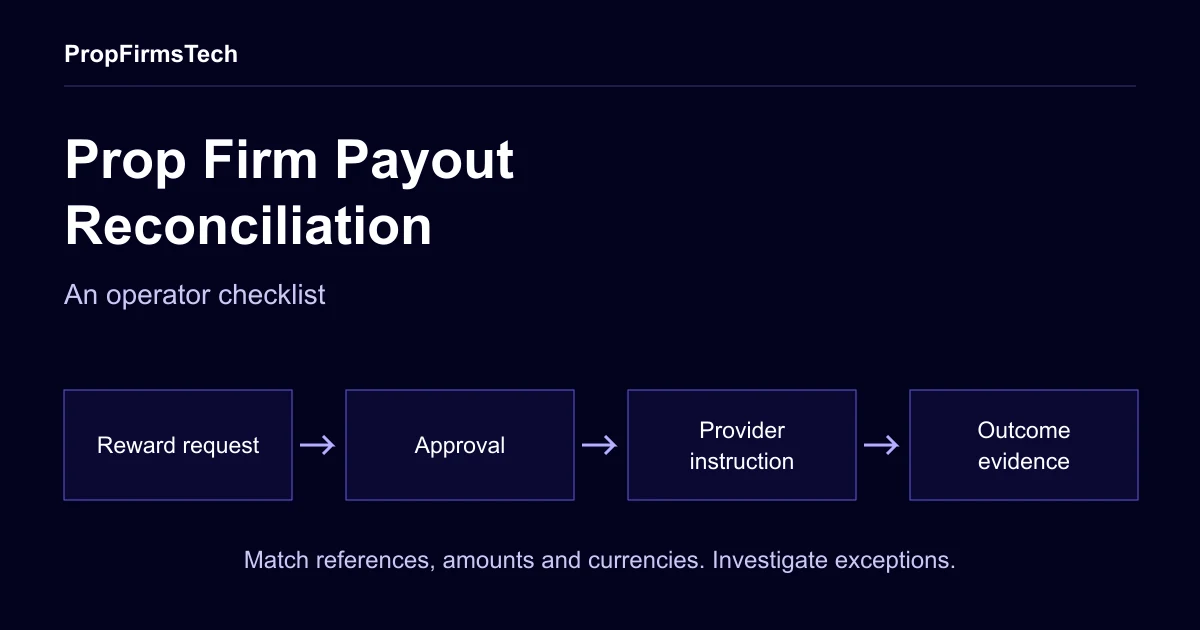
Keep eligibility, approval, submission and provider outcome visible as separate evidence. Use the payout reconciliation checklist to specify the finance handover you need. Do not interpret an internal “approved” label as proof that a recipient received funds.
4. Export an account and reconstruct its history
Request the required customer, order, account, programme, reward and adjustment records. Join them using stable identifiers. Check that another reviewer can explain a selected account’s state without relying on a screenshot of the current dashboard.
Field meanings matter. For example, cTrader’s model documentation specifies monetary precision metadata for relevant fields. Ask each integration owner how units, timestamps and external IDs are represented. That documentation does not establish which administrative data a particular supplier can export. Use the migration checklist if existing accounts will move.
Compare the operating cost as well as the quote
Ask for a cost schedule covering the period you intend to evaluate. Use your own volume scenarios and state what counts as an active, created or billable account. Record included work and separately priced dependencies.
Include setup, recurring charges, usage fees, trading-platform licences, payment-provider charges, custom work, hosting responsibility, support coverage, migration, exports and exit assistance where applicable. Mark taxes, exchange rates and provider approvals as explicit assumptions. Different commercial models can fit different operations; test each against the same assumptions rather than declaring one universally cheaper.
Ask who handles incidents outside the supplier’s own service, what the agreed support hours mean in your timezone and how an unresolved ticket escalates. Any response or recovery commitment should be written into the agreed scope. A demo response time is not an ongoing service-level agreement.
Finish with a decision record and acceptance plan
Have operations, engineering and the commercial owner review the evidence before final selection. Retain failed tests and differences between reviewers. Resolve them through a documented clarification or another focused test, then record the reason for the decision.
Your handover should contain the requirements version, gate results, weighted scores, test references, accepted exclusions, cost assumptions and contractual deliverables. Assign an owner to every unresolved dependency. Convert promises that affected selection into measurable acceptance criteria with agreed evidence.
Preparing a CRM shortlist? Bring the completed brief and your most important workflows to a PropFirmsTech demo. Confirm what the proposed implementation includes, what needs configuration or development, and which third-party approvals remain before you agree the scope.